Check Your Website AdSense Eligibility Before You Apply
Enter your website details and get an instant Website AdSense Eligibility Check. The Adsense Approval Checker tool reviews your website content depth, policy page completeness, technical setup, and traffic signals then shows exactly what to fix before submitting to Google AdSense.
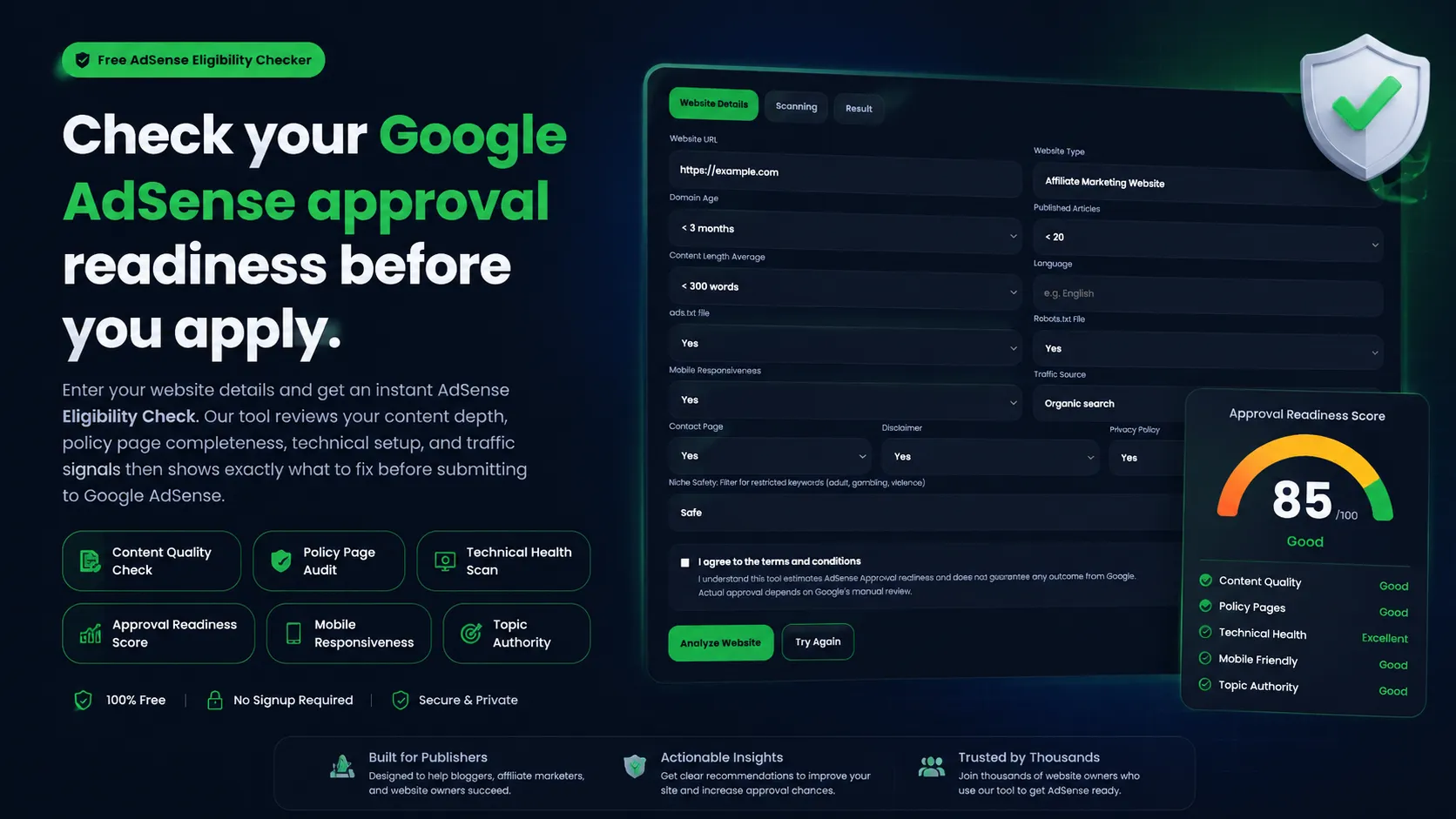
Enter your site website details, run the scan, and get a structured Google AdSense Eligibility report on any device.
✓ 100% Free to use 🔒︎ No need to Register or Sign Up.
Free AdSense Eligibility Checker for Blogger
Ready to monetize with Google AdSense? Enter your website details below to get an Instant AdSense Eligibility Check with our modern powerful AdSense Approval Checker Tool for publishers and bloggers.
It does not connect to Google’s systems or guarantee any outcome.
Analyzing your website
Scanning AdSense eligibility signals and readiness factors.
Checking depth and originality.
Checking about, privacy, and terms.
Checking speed and mobile readiness.
It does not connect to Google’s systems or guarantee any outcome.
Assessment summary
Detailed checks
Policy signals
Privacy, contact, about, and terms pages support trust.
Content signals
Add more original depth, examples, and internal linking.
Technical signals
Layout and responsiveness are clean for mobile users.
Recommended Action Plan
- Ensure SSL certificate is active (HTTPS)
- Fix any broken links or 404 errors
- Publish 5-10 foundational articles immediately
- Maintain 2-3 articles per week schedule
- Optimize meta descriptions for CTR
- Implement proper heading structure (H1-H3)
- Add internal links between related posts
- Continue building content for 3-6 months before applying
- Build 5-10 quality backlinks from reputable sites
- Focus on SEO to increase organic traffic
- Establish active social media presence
💡 Personalized Recommendations
- Priority: Build content library to at least 20 high-quality articles
- Consider waiting 3-6 months to build content history and authority
- Focus on SEO to increase organic search traffic (preferred by Google)
- Excellent work! Double-check grammar and professionalism on all pages
What is a Website AdSense Eligibility Checker?
A Website AdSense Eligibility Checker is a tool that reviews your website against the same readiness signals Google evaluates during its manual review process. It checks your content quality, policy page completeness, technical setup, and traffic source then returns a readiness score and a list of specific items to fix before you apply.
Google AdSense approval typically requires a site to have original content, a working privacy policy, a clear about page, HTTPS, and mobile friendly layout. This tool lets you audit those requirements yourself before submitting, so you can avoid common rejection reasons.
How to Use the AdSense Eligibility Checker Tool
Getting your website approved by Google AdSense requires more than just publishing a few articles. Your site should have valuable content, a clean layout, fast loading speed, mobile responsiveness, and essential pages like Privacy Policy, About Us, and Contact pages. This AdSense checker tool helps you quickly identify weak areas on your website so you can improve them before submitting your AdSense application.
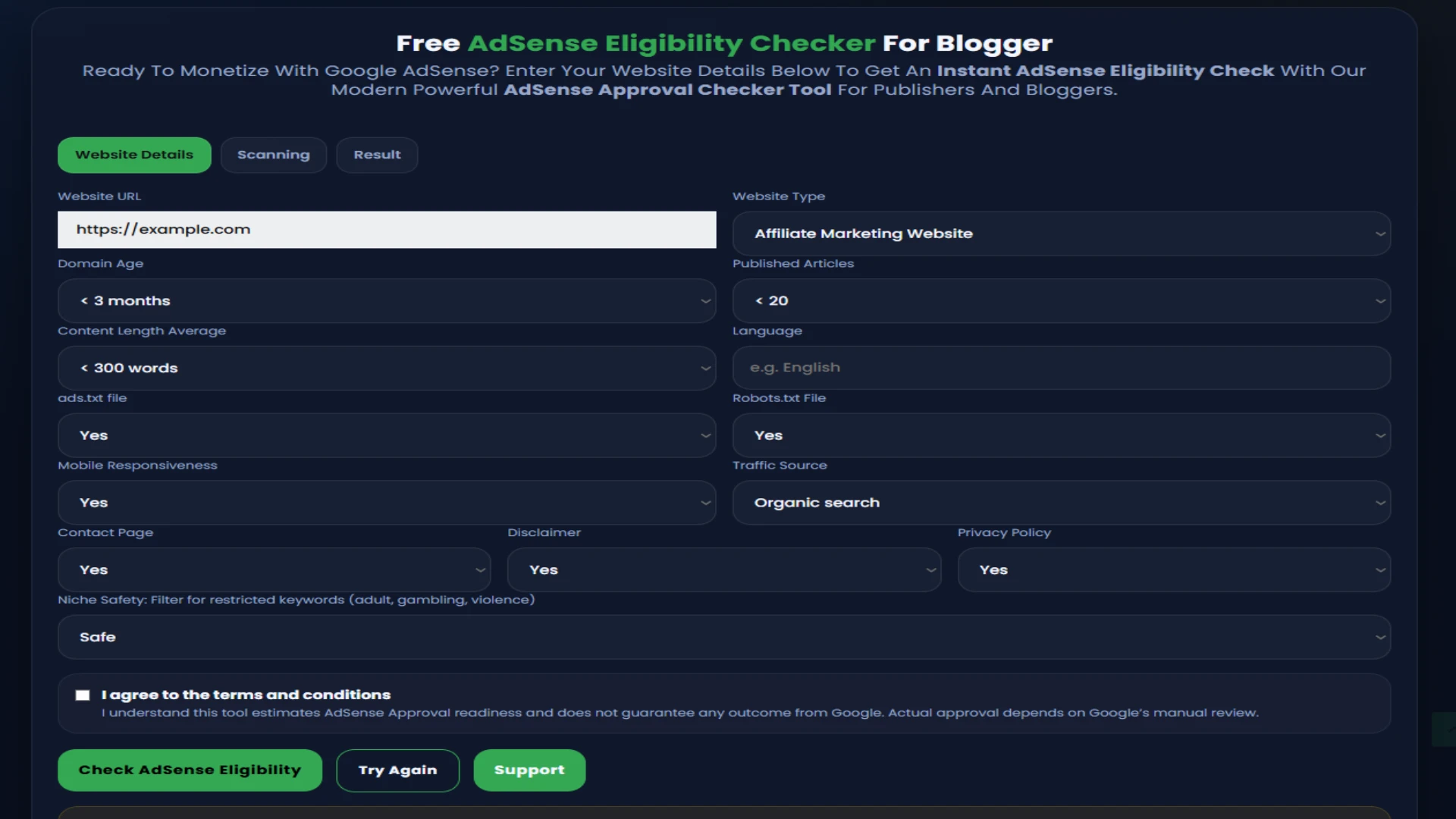
Steps to Use the AdSense Eligibility Checker
-
Enter Your Website URL
Copy and paste your website URL into the input box. Make sure you enter the correct domain including https:// for accurate analysis. -
Enter Your Website Details
Fill out the required information about your website to start accurate analysis. -
Click the “Check AdSense Eligibility” Button
Once your URL and details are added, click the check button to start the website scan. The tool will begin analyzing your website in real time. -
Website Analysis Starts Automatically
The AdSense checker reviews multiple ranking and approval factors including:- Content originality and quality
- Mobile friendly website design
- HTTPS and SSL security
- Privacy Policy and Contact pages
- Navigation and user experience
- SEO indexing and meta tags
- Page speed and Core Web Vitals
- Broken links and technical errors
-
Review Your AdSense Readiness Score
After the scan is complete, the tool generates a detailed AdSense readiness score. This score shows how likely your website is to meet Google AdSense approval requirements. -
Fix the Reported Issues
The tool highlights problems that may prevent AdSense approval. Common issues include:- Thin or low quality content
- Missing Privacy pages
- Slow website speed
- Poor mobile responsiveness
-
Recheck Your Website Anytime
After making improvements, you can run the AdSense eligibility check again to monitor your progress and ensure your website is fully optimized for monetization.
Why Use an AdSense Eligibility Checker?
Google AdSense approval has become more competitive. Websites need high-quality content, trust signals, proper navigation, and a great user experience to get approved. An AdSense Approval Checker helps website owners save time by detecting problems early and providing actionable recommendations to improve website quality and AdSense compliance.
What signals does the AdSense Approval checker review?
The Google Adsense Approval Checker evaluates four main categories that match Google AdSense’s published program policies:
- Content quality – original writing, article depth, topical consistency, and internal linking structure.
- Policy pages – presence of a privacy policy, terms of use, contact page, and about page.
- Technical health – HTTPS, mobile usability, page speed indicators, and clean site structure.
- Traffic signals – primary traffic source and site age relative to content volume.
Each category gets an individual status and contributes to the overall readiness score shown in your results.
Who should use this Google AdSense eligibility checker?
This tool is built for three groups of publishers:
- New bloggers and content creators preparing their first AdSense application and unsure whether their site meets the requirements.
- Site owners who were previously rejected and want to identify which signals caused the rejection before reapplying.
- Publishers managing multiple sites who want a fast pre check on each domain before committing to a formal application.