What’s Inside
Applying for AdSense before your site is ready is one of the fastest ways to get a rejection email. Most WordPress owners don’t fail because their niche is wrong or their design is ugly. They fail because a handful of basic requirements were missed.
This Adsense Eligibility Checklist walks through exactly what Google checks before approving a new publisher, based on the patterns that show up again and again in rejected applications.
Quick Answer
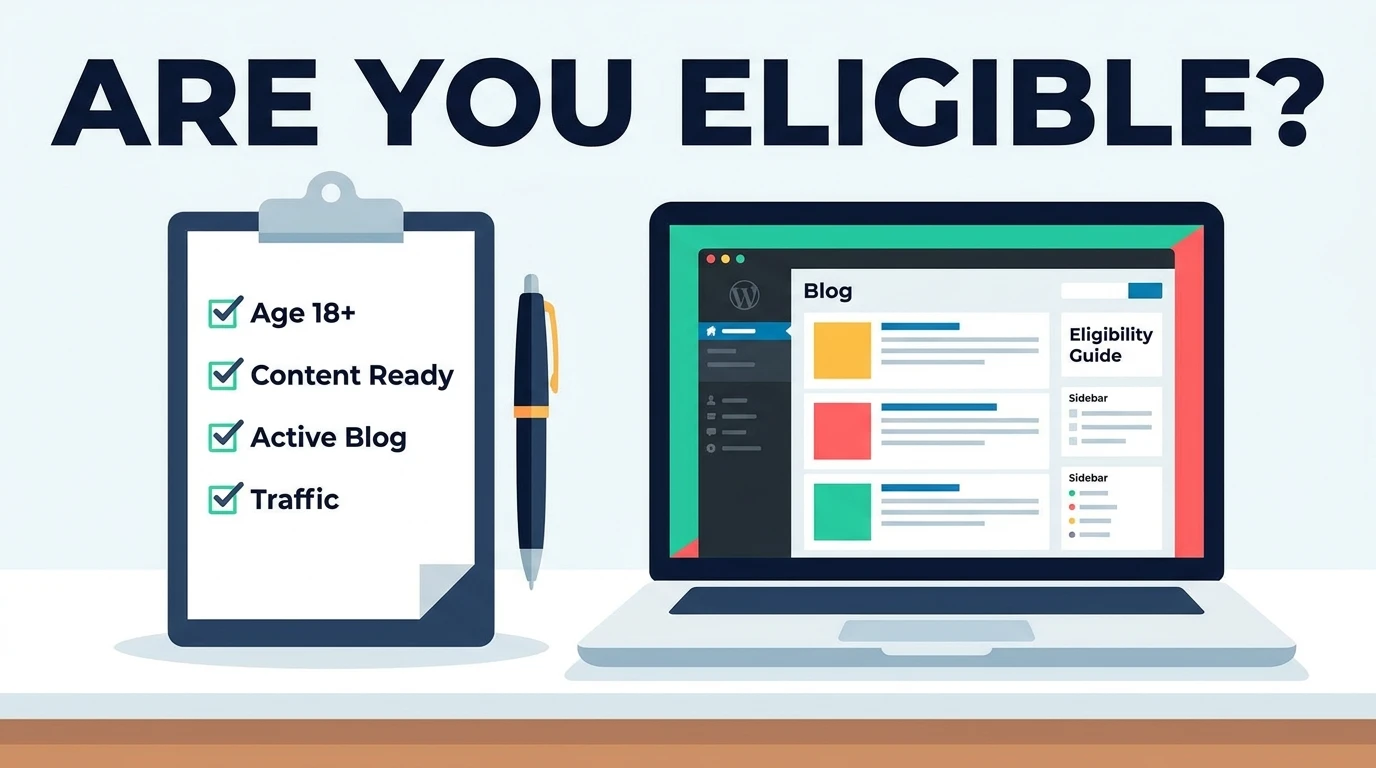
- To be eligible for AdSense, you need to be at least 18, own a site with original content that follows Google’s Publisher Policies, have essential pages like Privacy Policy and Contact, and make sure your site is fully accessible without login walls or “under construction” pages.
- There’s no official minimum traffic number, but thin or duplicate content is the top reason WordPress sites get rejected.
Why AdSense Eligibility Checklist Matters
Google isn’t trying to make approval hard. It’s trying to protect advertisers from showing ads next to low-quality or non-compliant pages.
A rejected application isn’t permanent, but reapplying too often without fixing the root issue can slow down future reviews. Getting it right the first time saves weeks of back and forth.
It also matters for SEO. Most of what AdSense reviewers check — original content, clear navigation, a real About page, mobile usability — overlaps directly with what Google Search rewards through its Helpful Content System.
Account and Site Requirements
Before touching content, confirm these basics.
| Requirement | What Google Expects |
|---|---|
| Age | You must be 18 or older to hold an AdSense account |
| Site ownership | You need admin access to install the AdSense code |
| Domain | A custom domain is strongly recommended over free subdomains |
| Accessibility | No login walls, password protection, or “coming soon” pages |
| Language | Content must be in a supported AdSense language |
If your WordPress site is still on a free subdomain, migrating to a custom domain before applying tends to improve approval outcomes.
Content Requirements
Content is where most WordPress applications fall apart. Google’s own eligibility guidance is clear that your site needs high-quality, original content that attracts an audience. google
That means:
- Every post should be written by you or your team, not scraped or spun from other sites
- Thin posts under 300 words rarely meet the bar
- Duplicate or near-duplicate content across pages signals low effort
- Content should solve a real reader problem, not just target a keyword
A good rule of thumb: if you removed the ads, would someone still bookmark this page? If the honest answer is no, the content needs more work before you apply.

Required Pages
Reviewers look for a handful of trust pages that many new bloggers skip.
- About page explaining who runs the site and why
- Contact page with a working email or form
- Privacy Policy disclosing data collection and ad personalization
- Optional but helpful: an Editorial Policy or Disclosure page for affiliate content
An About page that just says “Welcome to my blog” doesn’t do the job. Write a few real paragraphs about your purpose and expertise.
Technical and Policy Compliance
Your site also needs to comply with Google’s Publisher Policies, covering things like ad placement, prohibited content categories, and invalid traffic. Reading through the AdSense Program policies before you sign up is worth the twenty minutes it takes. google

Before applying, run a quick technical check:
- Mobile responsiveness (most traffic today is mobile)
- Fast loading speed
- Working internal navigation and no broken links
- HTTPS enabled
If you’re not sure whether your WordPress site currently meets these standards, running it through an eligibility requirements checker before you apply can surface gaps you’d otherwise only find out about through a rejection. The AdSense Eligibility Checker reviews these factors in one pass. google
Common Mistakes
Applying too early. A brand-new site with five posts almost never has enough content depth to demonstrate topical authority yet.
- Ignoring the About and Contact pages. These are small pages that take an hour to write but are checked on nearly every review.
- Mixing niches without structure. A site covering finance, recipes, and gaming with no clear organization reads as low effort, even if each post is well written.
Using AI-generated content without editing. Google doesn’t ban AI assistance outright, but content that reads as unedited or generic tends to get flagged for quality, not for being AI-made specifically.
Skipping the Privacy Policy. This is one of the fastest rejections to trigger and one of the easiest to avoid.
Best Practices
- Publish a consistent volume of original content before applying, not just the minimum
- Organize content into clear categories so both readers and reviewers understand your site’s focus
- Make sure every page loads correctly on mobile
- Check that your site doesn’t require a login to view any content
- Review Google’s Publisher Policies directly rather than relying only on secondhand summaries
Pro Tip
Before you submit your application, read your own homepage as if you’d never seen the site before. If you can’t tell what the site is about within ten seconds, a reviewer won’t be able to either — and that impression matters more than most people expect.
Frequently Asked Questions
Do I need a minimum amount of traffic to apply for AdSense?
Google has no official published traffic minimum. What matters more is whether your existing content is original, useful, and policy compliant.
Can I apply for AdSense with a free WordPress.com subdomain?
It’s technically possible, but approval rates are noticeably lower on free subdomains compared to a custom domain.
How many blog posts should I have before applying?
There’s no fixed number, but sites with only a handful of thin posts are frequently rejected for insufficient content. Aim for enough posts to show real depth on your topic.
What happens if my AdSense application is rejected?
You can reapply after addressing the specific issue mentioned in the rejection email, though Google recommends waiting before resubmitting so you have time to make meaningful changes.
Does my WordPress theme affect AdSense approval?
Indirectly, yes. A cluttered or hard-to-navigate theme can hurt user experience signals, but there’s no specific “approved theme” requirement.
Getting AdSense approval on a WordPress site comes down to meeting a specific set of requirements, not luck. Original content, working trust pages, and a policy-compliant, accessible site cover most of what reviewers check. The mistakes that cause rejection are usually small and fixable, which means most sites can get approved with a bit of preparation.
Run through this checklist honestly before you apply, and fix any gaps you find first. If this helped, share it with another blogger getting ready to apply, and drop a comment with any questions about your own site.

2 thoughts on “Complete AdSense Eligibility Checklist for WordPress Sites”